
Practical Modern Office Fit Out Ideas for Startups and SMEs
Understanding the Modern Office Fit Out
A modern office fit-out isn’t just about new furniture or trendy colours. It’s a practical redesign of your workspace that supports how your team actually works for UK SMEs, that usually means making the best use of available space, improving comfort, and creating an environment where people can focus, connect, and feel proud to come in each day.
Rather than chasing fleeting design trends, a proper modern fit-out is grounded in adaptability. Staff work differently now—some are fully office-based, others hybrid, and many need dedicated quiet time alongside open collaboration zones. A smart fit out accounts for all of that, without inflating costs or compromising long-term flexibility.
Why SMEs Should Think About a Fit-Out Upgrade
If your office layout hasn’t changed since before remote work became normal, it’s probably no longer fit for purpose. A thoughtful fit-out improves:
- Productivity: Efficient layouts, quality lighting, and functional furniture reduce daily friction and help people get on with their jobs more effectively.
- Wellbeing: Natural light, comfortable seating, and quieter spaces reduce stress, improve focus, and lower absences.
- Impressions: Whether you’re hosting clients or running recruitment interviews, a professional, considered space reflects your business’s direction and values.
It’s also an opportunity to prepare your workplace for what’s next. Need to hire more people in a year? Planning to bring more tech in-house? A flexible fit-out lets you adapt rather than start over.
Outcome Over Aesthetics
The best fit-outs start with function, not finishes. Ask: What’s slowing your team down? Where are people clashing or distracted? What parts of the office go unused? Focus on solving real problems, then build style choices around that.
Looks good is easy. Works well is more complex and far more valuable. Whether your budget is tight or generous, aligning your fit-out to your people and processes delivers longer-lasting returns.
This guide walks you through the key elements of a modern office fit-out with the UK SME in mind, from layout and lighting to technology and cost planning. No fluff. Just practical ideas you can apply to your own space.
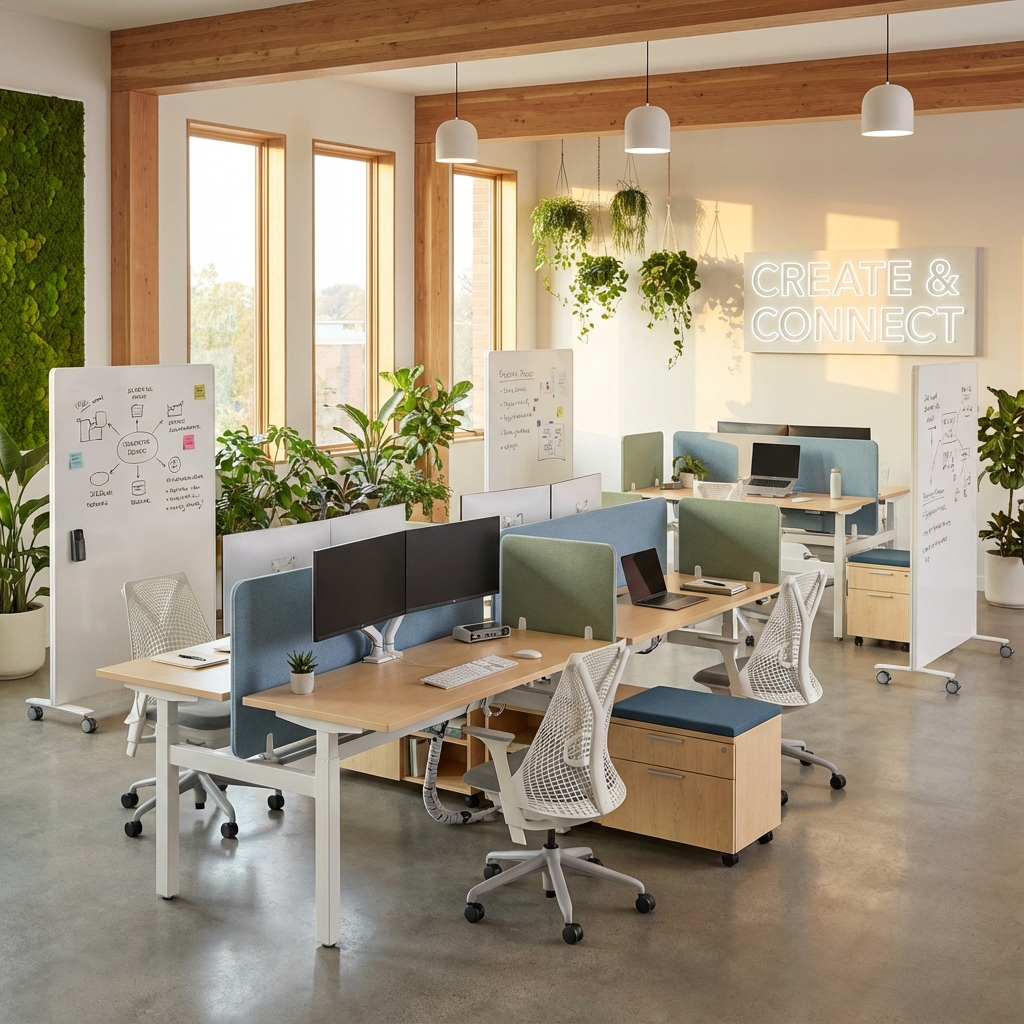
Optimising Layout for Workflow and Collaboration
A well-planned layout does more than look tidy. It helps your team move around effortlessly, collaborate when needed, and find focus without frustration. For UK SMEs, layout planning is often about making a limited footprint work harder. The good news is that you don’t need significant structural changes to make a big difference.
Think Zones, Not Rows
Instead of defaulting to rows of desks, divide the office into functional zones. These might include:
- Open-plan collaboration areas with shared tables or soft seating for team meetings
- Focus zones where solo work can happen without distraction, ideally with acoustic separation
- Touchdown spots for quick laptop use without settling in fully, useful for hybrid or visiting staff
- Private rooms for quiet work, one-to-ones, or video calls
This gives staff the freedom to choose where they work based on the task at hand. That level of autonomy often leads to smoother workflows and fewer interruptions.
Flexible Workstations
Fixed desks for everyone aren’t always the most efficient use of space. Hot desks or team-specific clusters can support agile working styles without leaving half the office unused on quieter days. If teams collaborate regularly, keep them physically closer to avoid wasted time back and forth.
Modular furniture also helps you adapt without having to buy new pieces. Units that can be reconfigured between desks, dividers, and storage let you change layout as your team evolves.
Mind the Flow
Walk the space. Is it easy to move around without ducking behind chairs or cutting through meeting areas? Clear circulation paths reduce distractions and create a sense of order. Staff won’t waste time or focus just trying to get from A to B. Avoid placing desks in bottleneck zones or high-traffic corridors.
Start with a Layout Review
You don’t need a blank slate to make this work. Start by mapping current usage:
- Which areas are always full, and which sit empty?
- Where do noise and foot traffic disrupt focus?
- Are your collaborative spots too few, too close, or too chaotic?
Use this to guide small changes first. You might only need to rotate a couple of desks, rearrange storage, or shift a sitting area away from a noisy printer.
Good workflow starts with good flow. That means planning spaces the way your people actually work, then adjusting as needs shift. It doesn’t have to be expensive, just thoughtful.
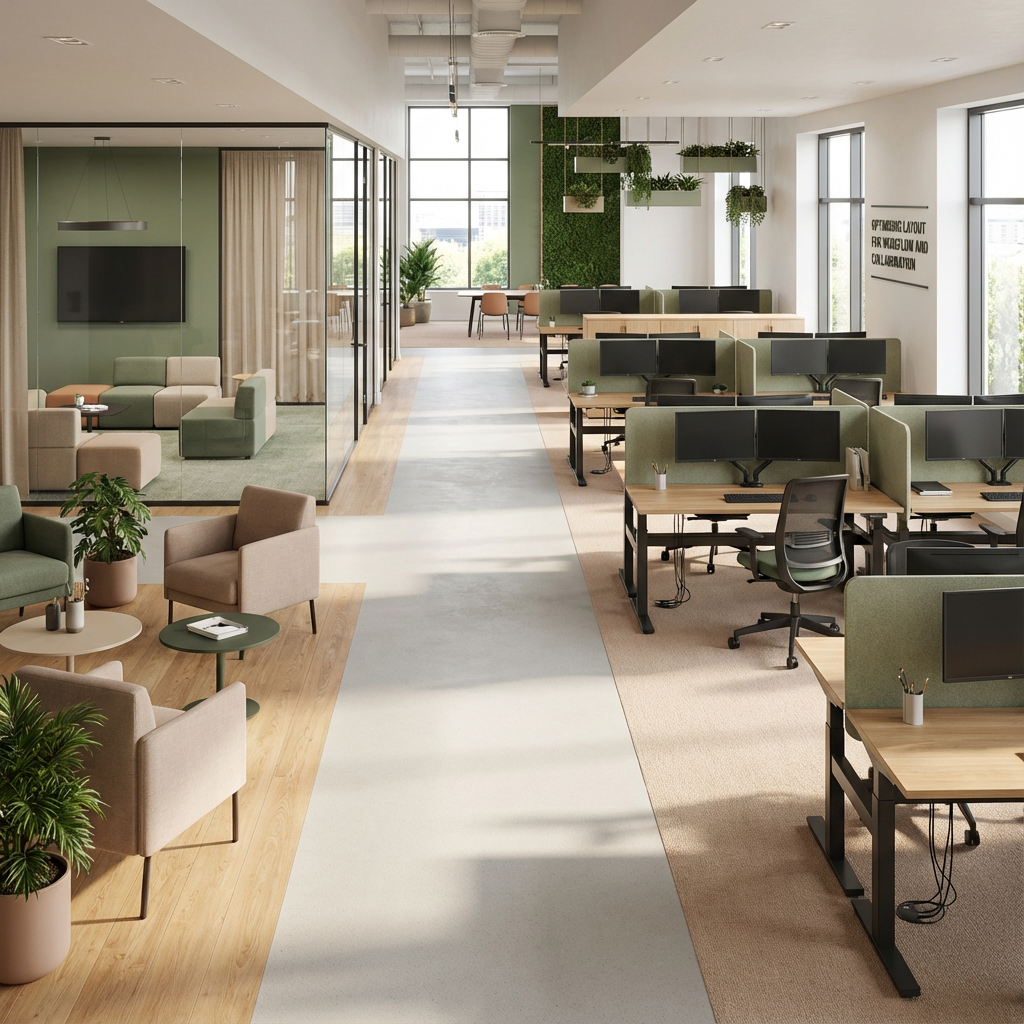
Incorporating Biophilic Elements and Well being Features
Modern offices aren’t just places to work, they’re environments that shape focus, morale, and health. That’s why biophilic design, which brings more natural elements indoors, is gaining traction across UK workplaces. Not as a luxury, but as a practical way to boost concentration, reduce stress, and cut down on sick days.
Use Plants to Create Visual Calm (and Cleaner Air)
Adding greenery is one of the simplest, most effective moves you can make. Plants soften hard surfaces, absorb noise, and can improve air quality depending on the species and placement. You don’t need a botanical budget or an in-house gardener. Low-maintenance options like snake plants or pothos can thrive in typical office light and don’t require daily care.
- Cluster small plants together on shelves or storage tops
- Use taller plants to divide zones or add green accents to corners subtly
- Install lightweight hanging planters near windows or breakout areas
Even a handful of well-placed plants can help reduce visual fatigue and give staff a mental break from screens.
Prioritise Natural Light Wherever Possible
Natural light contributes to better mood, energy, and even sleep patterns. Look at where your existing windows are and ask: Are furniture, blinds, or clutter blocking light from reaching work areas?
To maximise what you have:
- Choose light-coloured finishes and reflective surfaces near windows to bounce daylight further into the room
- Keep peripheral zones open, avoid tall storage or partitions that shut off flow from glass walls
- Place frequently used desks or breakout areas near the brightest spots
If your space lacks large windows, consider full-spectrum lighting solutions that mimic daylight. These aren’t decorative; they’re functional upgrades with a noticeable impact on energy and engagement.
Material Matters for Health and Mood
Finishes and fixtures are often chosen for cost or appearance, but material selection can also support well being. Look for furniture, flooring, and partitions made from:
- Natural materials like wood, cork, or bamboo, where budgets allow
- Low-VOC (volatile organic compound) paints and adhesives that release fewer chemicals into the air
- Textured, breathable fabrics that add softness without overheating or feeling plasticky
If a full material swap isn’t possible, change what you can. Introduce timber edges on worktops or fabric acoustic panels to add warmth and improve sound control.
Keep It Scalable
Biophilic design doesn’t require a green wall or indoor garden. For SMEs, it works best when applied in manageable, layered steps. Start with a single area, like improving lighting and air quality in a focus zone, then build from there based on staff feedback and available funds.
Natural elements support natural focus. The impact is subtle but steady: fewer distractions, better well-being, and a space that feels easier to work in day after day.
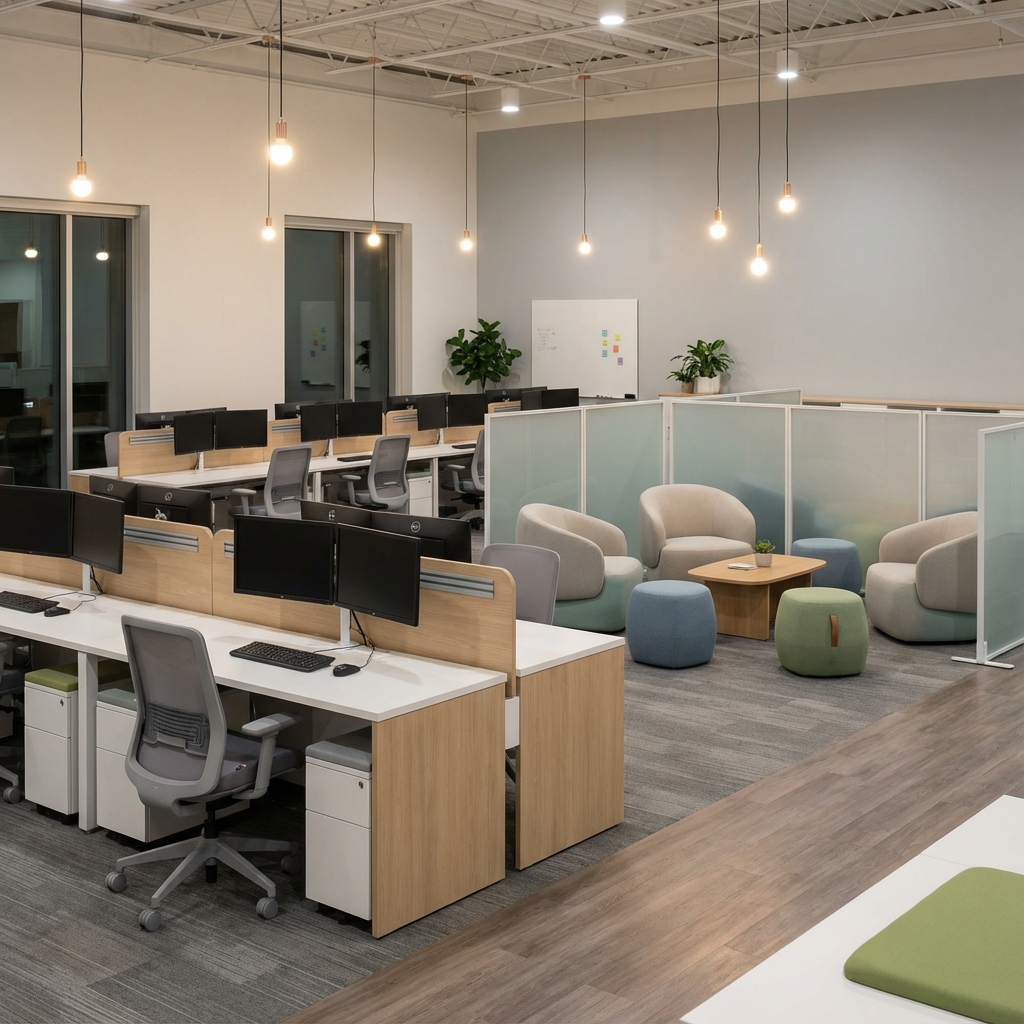
Smart Use of Lighting and Acoustics
Lighting and acoustics are often overlooked in office upgrades, yet they directly affect how people think, feel, and get work done. Bad lighting can cause headaches and low energy. Poor acoustics make it hard to concentrate or have a clear conversation. For UK SMEs working within tight budgets and shared spaces, fixing these issues doesn’t have to be complex or expensive—it just needs attention to function.
Lighting That Works for People, Not Just Spaces
Natural daylight is the gold standard, but in many offices it’s limited by layout or tenancy. The key is to replicate it as closely as possible. Full-spectrum LED panels that mimic daylight can make a marked difference to alertness and focus, especially in deeper rooms or on darker winter days.
For individual tasks, add adjustable task lighting at desks or key stations. It allows staff to control their environment and reduces eye strain. In shared zones, opt for layered lighting, ambient ceiling lights combined with directional floor or desk lamps, to avoid flat, over-lit rooms that feel clinical.
Keep fittings consistent and straightforward. Avoid mismatched colour temperatures between bulbs, which can cause visual discomfort. Warm lighting suits breakout areas or informal meeting corners, but stick to cool white light (4000K or similar) for heads-down work areas.
Managing Noise Distraction Without Deadening the Room
Noise problems aren’t just about volume. It’s the type of noise, unwanted conversations, echo, footsteps, that interferes with focus. The solution isn’t total silence, but controlled sound supported by innovative acoustic materials.
- Wall-mounted acoustic panels: These reduce reverberation and help soften conversation spill between zones. Choose fabric-wrapped options in colours that suit your palette.
- Desk screens or dividers: Short partitions with sound-absorbing cores can cut noise between workstations without closing off the space entirely.
- Soft finishes: Upholstered benches, rugs, and ceiling baffles absorb sound just by being there. They’re especially useful in open-plan environments.
Use a zoning approach. Locate quiet-focus areas away from kitchens, printers, or meeting spaces. If your layout can’t change, use noise-reducing dividers and soft furnishings to dampen transmission. Even small changes—like adding felt wall tiles behind a desk cluster—can materially improve the atmosphere.
Affordable Starts with Smart Planning
You don’t need to overhaul wiring or bring in acoustic consultants to see results. Start by rating each area of your office on these two questions:
- Is the lighting appropriate for the tasks happening here?
- Is noise interfering with how people work or communicate?
Prioritise upgrades where the impact will be felt most, often focus zones, client meeting rooms, or shared workstations. From there, scale improvements based on budget and team needs.
Comfort drives productivity. When staff don’t have to fight glare, squint at screens, or wear headphones just to concentrate, they work better. Getting lighting and sound right isn’t cosmetic—it’s foundational.
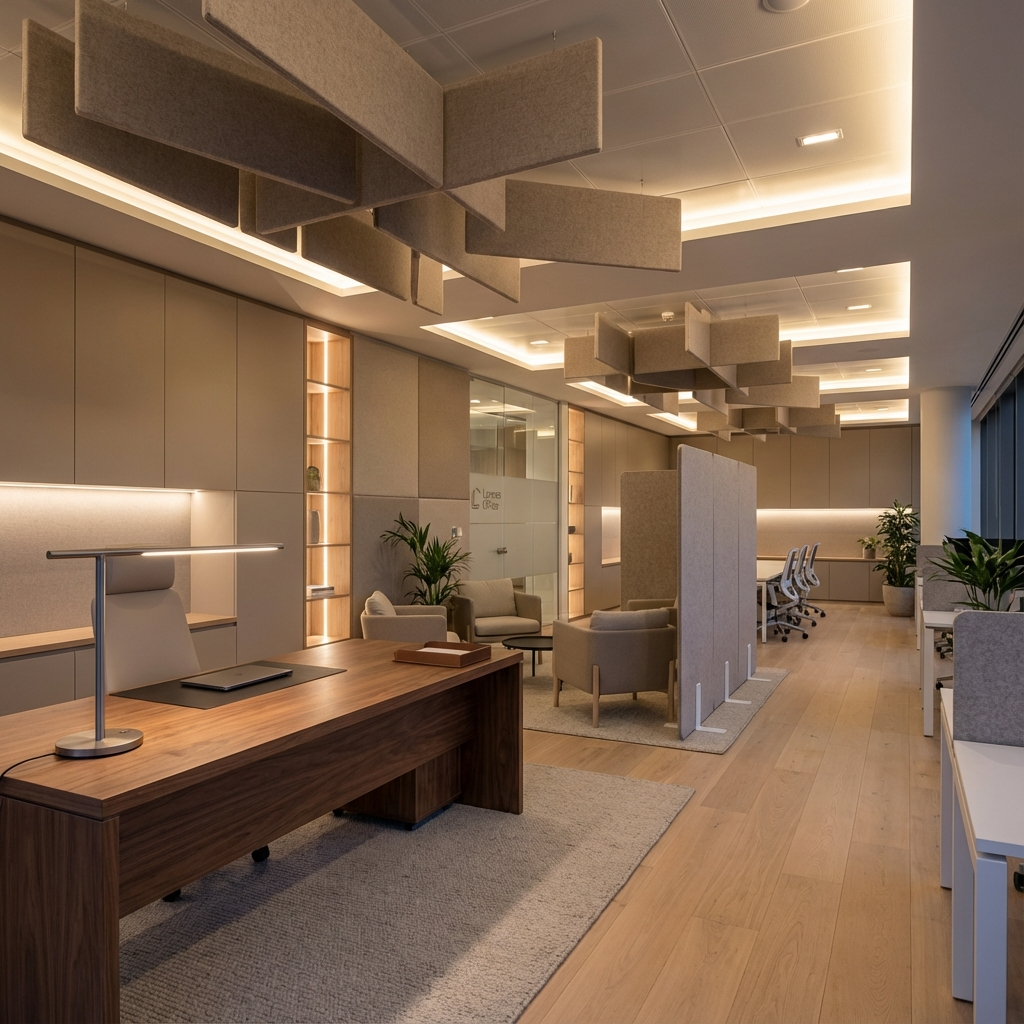
Choosing Functional, Flexible Furnishings
Office furniture does more than fill a room. The proper setup can support focused tasks, encourage collaboration, and give your team physical comfort throughout the workday. For UK SMEs planning a fit-out, wise furniture choices also mean long-term adaptability without constantly replacing assets.
Support Different Work Styles
Not everyone in your office works the same way. Some spend all day at a desk. Others float between meetings and project hubs. A good fit-out respects these differences by offering multiple ways to work comfortably. Key furniture categories to plan for include:
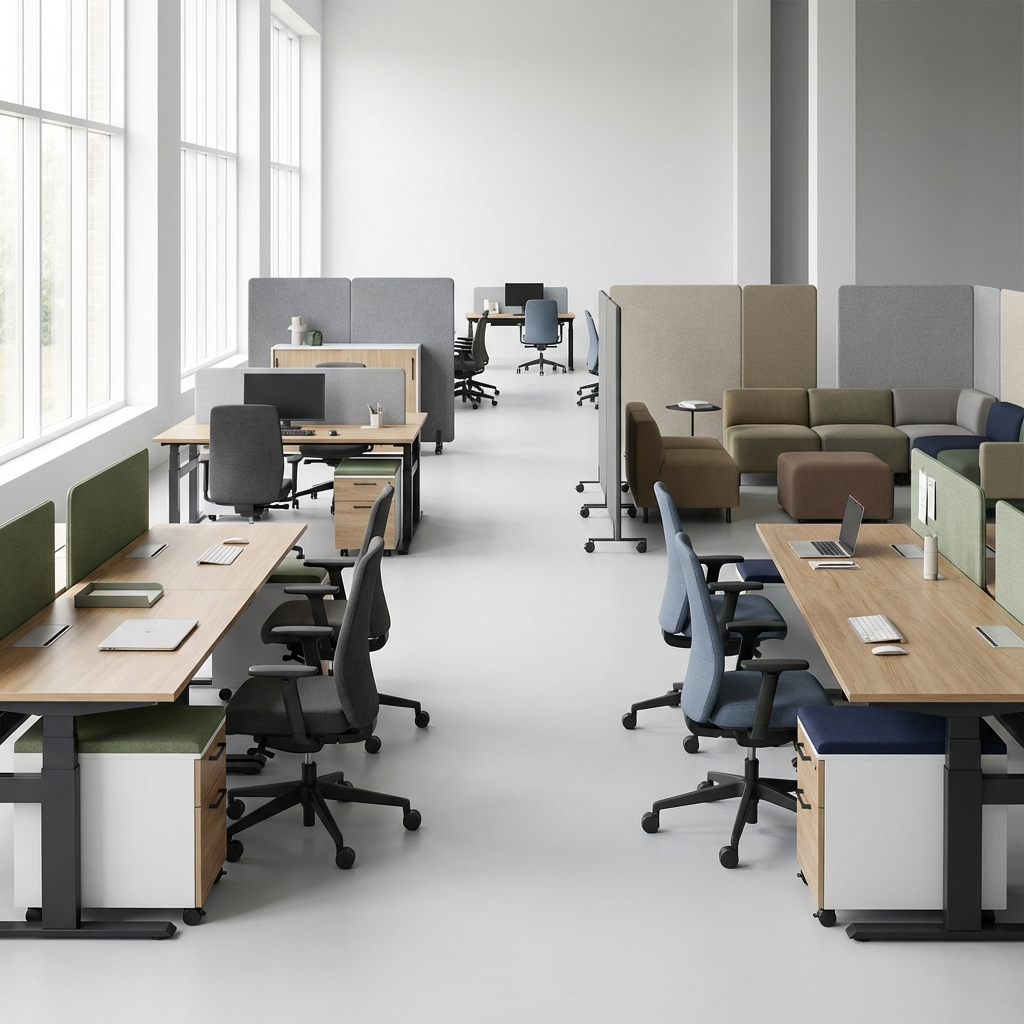
- Ergonomic chairs: Look for adjustable back height, tilt tension, lumbar support, and comfortable armrests. You don’t need branded models, just practical chairs that workers can tailor to their bodies and routines.
- Height-adjustable desks: These allow users to alternate between sitting and standing, reducing back strain and improving alertness. If a complete office suite is outside your budget, equip shared hot desks or meeting points with a few adjustable options for team use.
- Modular and movable storage: Mobile pedestals, open shelving, and storage that doubles as space dividers can all support future layout changes without becoming obsolete. Avoid bulky fixed units whenever possible.
Comfort supports focus. Minor adjustments to posture, reach, and movement options help staff stay productive for longer without physical fatigue.
Design for Change, Not Just Today
Your team might grow or shift roles next year. Business needs evolve. Choose furniture that can adapt alongside them. That means:
- Avoiding one-size-fits-all setups
- Choosing modular desks, tables, and seating that can be linked or separated
- Selecting neutral finishes that won’t clash with future design updates
Buying once for long-term relevance beats buying twice when your setup no longer fits.
Prioritise High-Impact Pieces First
Start by auditing use. Where do people spend most of their time? What areas need the most support (ergonomically or functionally)? Use that to guide where to invest first. A simple plan might look like:
- Upgrade chairs and desks in focus zones or for full-time desk users
- Improve furniture in meeting or breakout areas if collaboration feels cramped or awkward
- Add modular storage that blends with your layout and keeps workspaces tidy
Only after those basics are covered should you look at extras like lounge furniture or decorative pieces.
Stretch Budgets with Smart Grouping
If funds are tight, take a phased or partial approach:
- Equip departments with the most critical needs first
- Mix refurbished items with new core pieces to balance cost and performance
- Create shared ergonomic stations for teams that rotate between desk and field work
Form follows function. Choose furniture because it works, not just because it matches. Comfort, flexibility, and usability should lead every selection decision.
Technology Integration for Seamless Workflows
Technology can either streamline your office or slow it down. A well-thought-out tech setup supports how people actually work, whether collaborating across departments or just trying to find somewhere to charge a laptop. It doesn’t require a full digital revamp. It starts with understanding practical needs and removing common points of friction.
Plan Infrastructure for Daily Convenience
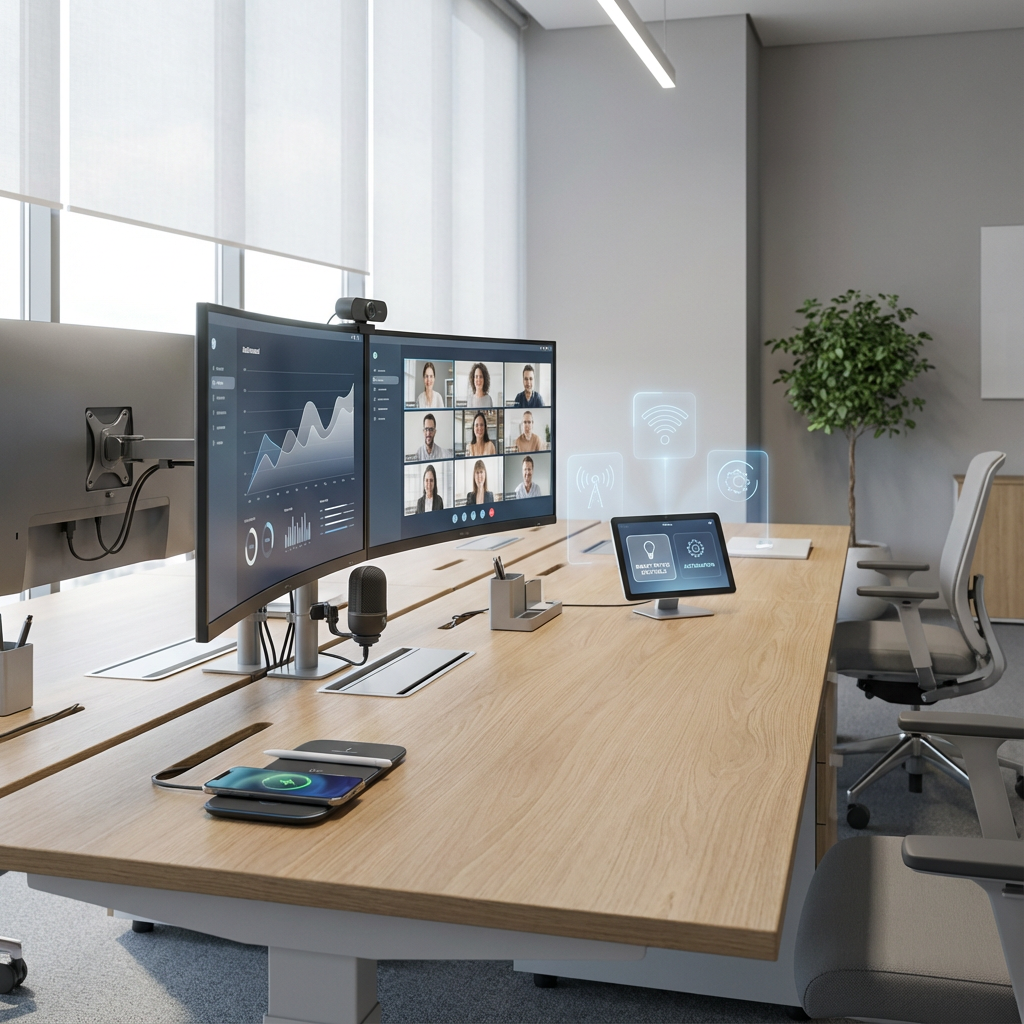
Start by fixing the obvious pain points. If staff are constantly unplugging each other’s devices, invest in integrated charging points in desks, breakout tables, and meeting rooms. Avoid dangling extension leads. Use cable management systems that keep things clean and safe.
Fast, consistent wireless connectivity across the entire office is non-negotiable. Dead zones around corners or in meeting pods interrupt productivity. Make sure your Wi-Fi setup suits the space: routers positioned for coverage, secure guest networks, and enough bandwidth to handle high-usage periods.
In hybrid and flex environments, plug-and-play setups save time and frustration. This means screens in shared areas with adaptable ports, consistent keyboards and mouse sets for hot desks, and label-free access that doesn’t require calling IT just to get started.
Support a Variety of Work Modes
Not everyone in your office works the same way. Your tech needs to reflect that. Set up meeting rooms with reliable video conferencing gear that doesn’t require a degree to operate. Include acoustic control, wall-mounted displays, and shared calendars to make booking easier.
Provide collaboration tools that match how teams communicate. These might include digital whiteboards in project zones or portable screens for huddle rooms. Avoid limiting key tools to one department or device type—flexibility increases productivity for everyone.
For quiet-focus zones, equip desks with noise-reducing tech accessories, such as headsets or desktop privacy screens. The goal is to support both concentration and interaction without creating sharp divides across the team.
Work with Tech Teams from the Start
Don’t bolt on the tech after the desks are installed. Instead, involve IT professionals early in your fit-out planning. This ensures that:
- Power and data points match actual working positions
- Network equipment is housed securely and efficiently
- Devices, mounts, and integrations don’t interfere with furniture or layout plans
Even for smaller offices, this collaboration avoids retrofits or surprise costs later. IT teams can highlight future needs, too, like scalable systems or device compatibility, so you don’t invest in tech that becomes outdated too quickly.
Stay Honest About What People Use
Don’t overcomplicate. If your team already has reliable laptops and cloud systems, focus on physical integration: where are they working, charging, and connecting? Skip the flashy conference systems if nearly all meetings are informal or internal. Start with this checklist:
- Where does tech slow people down each week?
- What tech already works well and where does it need better support?
- Which areas need better access (to power, screens, connectivity, or shared tools)?
Tech should support the work, not become the work. When planned with the office layout and user habits in mind, even simple technology choices deliver smoother, faster days for everyone.
Budgeting and Phasing Your Fit Out
A modern office fit-out doesn’t have to drain your budget. With thoughtful planning and a phased approach, UK SMEs can improve comfort, workflow, and visual appeal without overspending or closing the office for weeks. The key is to prioritise what matters most for your team now, then build in flexibility for the future.
Start with a Budget Breakdown
Before speaking to contractors or browsing furniture catalogues, set clear cost boundaries. Start by breaking your total fit-out allowance into key categories:
- Layout adjustments (e.g. partitions, electrical works)
- Furniture (desks, seating, storage)
- Lighting and acoustics
- Technology infrastructure
- Wellbeing features (plants, ventilation improvements, etc.)
This gives you a clearer picture of how to balance wants and needs. Be realistic. You don’t need to fill every category from day one. Focus on what will offer the most significant improvement to staff experience and workflow.
Prioritise High-Impact Areas First
If funds are limited, avoid spreading upgrades too thin. Instead, identify:
- High-use areas where improvements will benefit the most people
- Key spaces that affect impressions (e.g. reception, meeting rooms)
- Problem zones causing discomfort, bottlenecks, or frequent complaints
Use a simple scoring approach. Assign each area a rating based on current usage, staff feedback, and potential benefit from the upgrade. Target the top priorities first. You’ll get more out of your spend and avoid wasting resources on lightly used spaces.
Plan in Phases to Spread Cost and Disruption
A full fit-out in one go might not be practical or affordable. Phasing lets you continue day-to-day work while making steady progress. A typical phased plan might look like:
- Phase 1: Immediate fixes to workflow problems (layout tweaks, desk clustering, acoustic panels)
- Phase 2: Core upgrades like ergonomic furniture or lighting improvements
- Phase 3: Additions that enhance the environment (planting, tech add-ons, soft furnishings)
Each phase should be planned to minimise disruption, with schedule changes outside peak hours or during seasonal lulls. Communicate clearly with staff about upcoming changes and what to expect.
Keep Costs Visible and Flexible
As with any project, unexpected issues or product delays can pop up. Build in a flexible buffer for each stage. Use simple tools—a spreadsheet or basic project board—to track spending by category and reallocate funds as needed.
Value comes from decisions, not decoration. The best fit outs don’t spend most; they spend wisely. Start with the areas where your team’s productivity, well-being, or impressions are being held back. Then phase in improvements at a pace your budget and business can handle.