
How to Master Office Layouts for Better Employee Experience
Office layout isn’t just about how desks and chairs are arranged. It’s a key factor in how people work, interact, and feel throughout the day. A well-considered layout supports concentration, fuels collaboration, reduces unnecessary friction, and helps people do their best work. A poor layout drains energy fast.
The impact is real and immediate. Layout affects how sound travels, how light enters, how teams communicate, and how easy it is to move through a space. When layouts aren’t intentional, you often see the same problems creeping in:
- People struggling to focus in noisy open spaces
- Teams are siloed or disconnected because they’re physically distant
- Collaboration areas are overused or underused due to poor positioning or visibility
- Inflexible spaces that don’t adapt to changing needs or workstyles
- Poor ventilation or lighting can lead to fatigue, eye strain, and discomfort
Every workspace has its own rhythm. Developers may need deep concentration, whereas sales teams thrive on buzz and movement. HR might need quiet rooms for private conversations, while designers need flexible, creative zones with space to share ideas easily. If your layout doesn’t reflect and support these needs, productivity suffers.
Intentional design aligns the people using the space with the way the space is structured. It starts with asking the right questions:
- What types of work are being done here?
- Who needs to interact regularly?
- Where do distractions come from?
- Who needs quiet, and who benefits from buzz?
Only once you understand those dynamics can you start to shape an environment that works with, not against, your employees.
Small decisions add up. Whether it’s the location of a printer or the positioning of high-traffic zones, every detail either supports productivity or chips away at it. The goal is flow: people moving through their tasks without resistance, noise, or bottlenecks.
For any SME, facilities manager, HR lead, or startup founder, getting the layout right isn’t a bonus. It’s part of building a workplace where people feel good, get work done, and stay engaged. Layout is productivity, comfort, and connection—made visible.
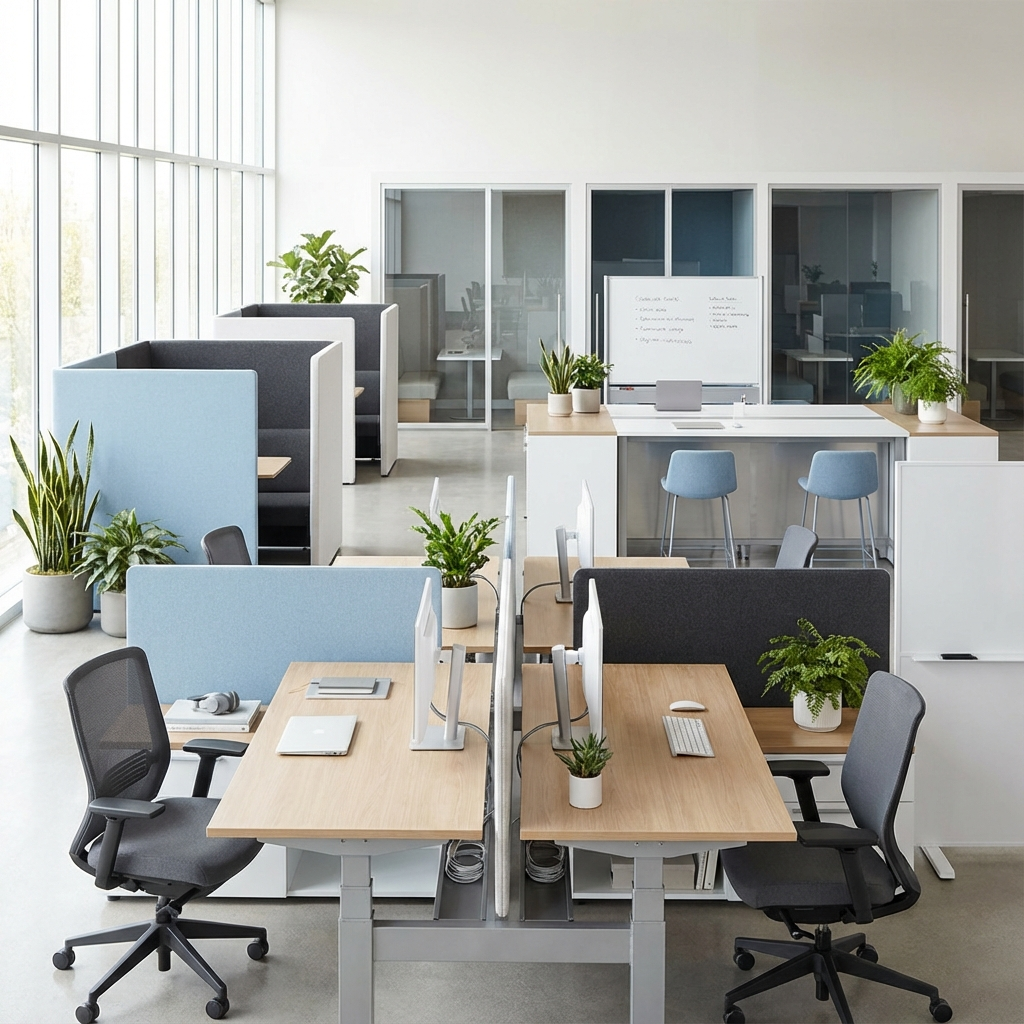
Key Principles for Designing Productive Office Layouts
Productive office layouts are built on clear principles. When done right, they don’t just look functional—they feel intuitive to the people working in them. Productivity isn’t about squeezing in more desks or adding trendy furniture. It’s about designing for how your teams actually work.
Space Planning That Fits Function
Start with scale. Look at your headcount, the type of work being done, and the level of interaction required. A well-planned layout balances open space and density. Too many desks packed together overload the room. Spacing that allows free movement, team flow, and space ownership makes a difference. Measure, draw, and map out zones before you move any furniture.
Zoning for Focus and Collaboration
Productivity relies on giving people the right environment for the task at hand. Quiet areas for focused work should be physically and acoustically separate from social and collaborative zones. You don’t want video calls competing with brainstorming sessions in earshot. Use furniture placement, acoustic panels, or partitions to create these boundaries without completely isolating teams.
Ergonomic Considerations That Reduce Strain
Ergonomics isn’t just about fancy chairs. It’s about reducing physical stress so people stay comfortable and alert through the day. Focus on adjustable task chairs, screen height alignment, foot support, and layout flexibility. Encourage shared standards, and give people a sense of control over their space setup. Discomfort shouldn’t be accepted as “just part of the job.”
Noise Management That Supports Focus
Noise remains one of the most reported distractions in shared office environments. Simple interventions work: acoustic panels, sound-absorbing flooring, quiet booths, and soft furnishings can all reduce reverberation and background noise. Layout planning should account for noisy equipment too; printers, coffee machines, and meeting pods don’t belong next to focus zones.
Natural Lighting and Visibility
Natural light improves performance and well-being. Placing desks near windows tends to keep employees more alert and engaged. But glare and screen reflections can be a problem. Use blinds, anti-glare film, or desk positioning to regulate it. If your office lacks adequate daylight, invest in consistent ambient lighting and reduce harsh contrast between light levels across different areas.
Accessibility Built In, Not Added On
A productive layout works for everyone. That includes people with limited mobility or other sensory needs. Build in generous walkways, height-accessible desks, and visual orientation cues. Make sure shared resources like kitchens, meeting rooms, and bathrooms are easy to reach for everyone, without needing to request adjustments after the fact.
Well-being equals performance. Every one of these principles ties back to making work more comfortable, intuitive, and supportive. When employees aren’t distracted, strained, or uncomfortable, they’re in a better place to think clearly and produce their best work.
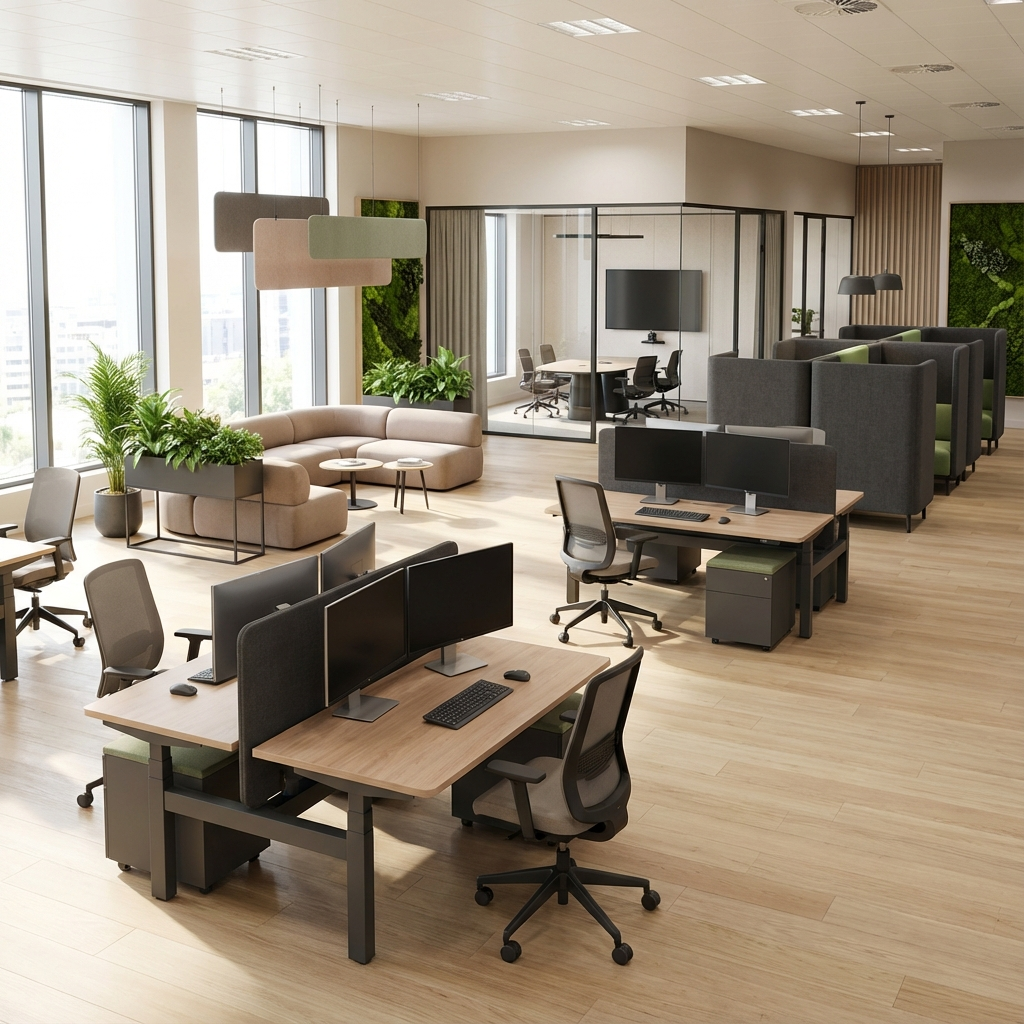
Popular Office Layout Types: Pros and Cons
Choosing the right office layout isn’t about following trends. It’s about aligning the structure of your space with how your team works best. What suits a design agency might frustrate a legal firm. What suits a startup might slow down a growing SME. Here’s a clear breakdown of the most common layout types, including what they do well and where they fall short.
Open Plan Offices
Strengths:
- Encourages spontaneous communication and collaboration
- Increases visibility between teams and departments
- Flexible to scale or reconfigure
Challenges:
- High noise levels and frequent distractions
- Lack of privacy for focused or sensitive work
- One-size-fits-all layout rarely supports all workstyles equally
Cellular Offices (Private Rooms)
Strengths:
- Offers quiet spaces ideal for deep work and confidential tasks
- Reduces noise disruption and provides personal control over the environment
Challenges:
- Limits collaboration and chance interactions
- Can make teams feel isolated and disconnected
- Less efficient use of space in most floor plans
Hybrid Layouts
Strengths:
- Combines private and shared areas to suit different tasks
- Supports both individual focus and team collaboration
- Allows flexible allocation of space as work needs change
Challenges:
- It can be complex to plan and manage effectively
- Requires clear zoning or protocols to avoid conflict between quiet and social functions
Activity-Based Working (ABW)
Strengths:
- Employees choose spaces based on task type, focused, collaborative, phone calls, etc.
- Offers autonomy and promotes movement throughout the day
- Maximises space with multipurpose zones
Challenges:
- Lack of assigned desks may frustrate some people
- Needs a strong culture and consistent behaviour for success
- It can affect the sense of belonging if not managed well
Co-Working Spaces
Strengths:
- Ideal for small teams and startups lacking permanent premises
- Provides varied spaces, amenities, and chances to network
- Flexible commitment with little upfront investment
Challenges:
- Limited control over design, branding, and access
- Noise, distractions, and inconsistent privacy
- Harder to establish team culture in shared environments
No single layout is perfect for every business. The best approach is to match the layout to your team’s daily work patterns and preferences. Use this framework to identify what matters most to your organisation—focus, flexibility, communication, personal space—and weigh each layout type against those needs.
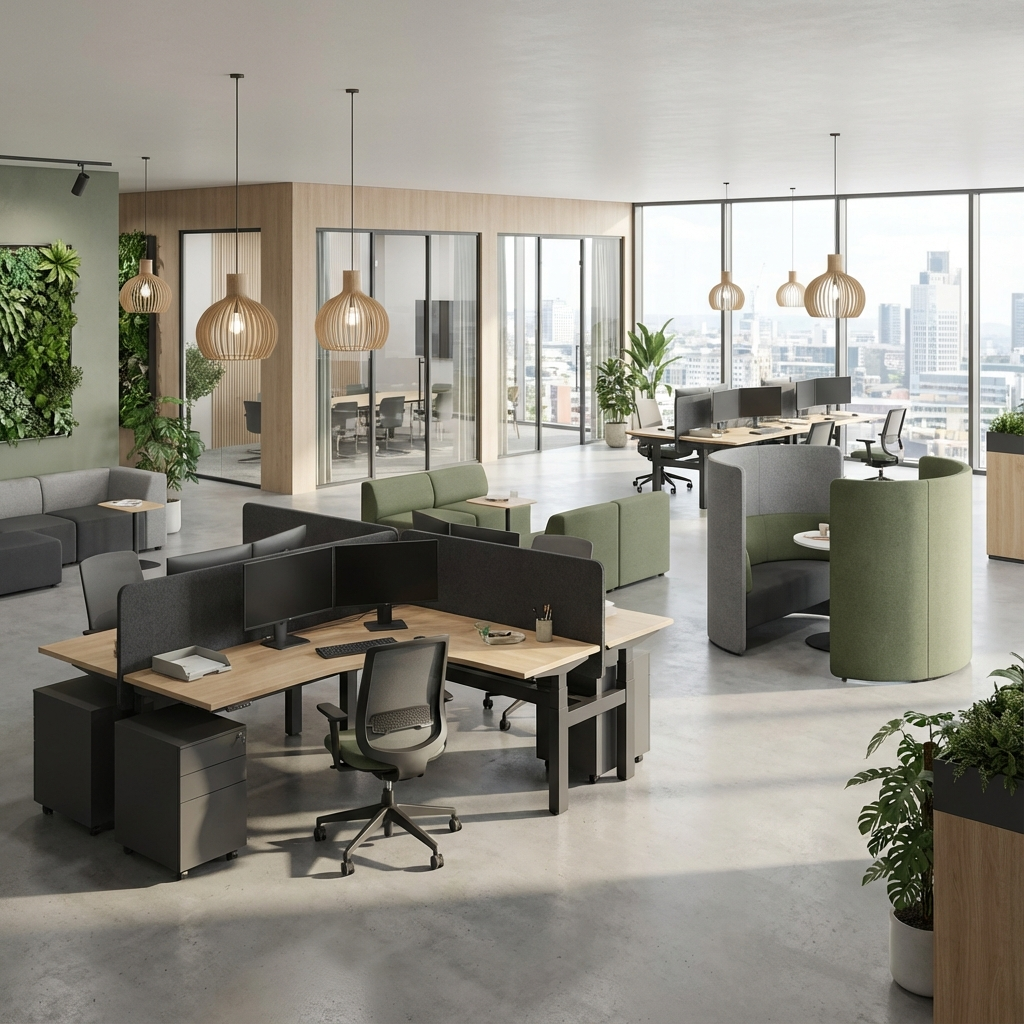
Step-by-Step Guide to Designing Your Own Office Layout
Designing a productive office layout isn’t about guessing and hoping for the best. It’s a structured process that combines practical assessment, clear goals, employee input, and iterative thinking. Here’s a step-by-step guide to help SMEs, facilities managers, and startup leaders plan a layout that fits their team—not the other way round.
1. Assess Your Current Space
Walk the floor with an objective eye. Identify:
- How each area is currently used (and whether it’s effective)
- Bottlenecks, underused zones, or high-traffic distractions
- Noise levels, lighting access, temperature variations
- Furniture condition and ergonomic fit
Take accurate measurements. Map layout dimensions, desk counts, storage, and fixed features. Create a basic floor plan to work from.
2. Understand Employee Needs
Speak to teams, not just managers. Every role works differently. Use surveys or brief interviews to understand:
- What helps or hinders productivity in the current space
- Preferred work styles (quiet, collaborative, flexible)
- Requests for tools, privacy, or space reallocation
Group users by function or need rather than by department. Designers might benefit from whiteboard space and movement, while finance staff need quiet and data security.
3. Define Your Objectives
Before diving into design, clarify your layout goals. These should include a mix of business and wellbeing outcomes, such as:
- Improving collaboration between specific teams
- Providing more quiet zones for focused work
- Accommodating flexible seating or hybrid schedules
- Enhancing comfort through better lighting and airflow
Set measurable criteria to evaluate success, like reduced distractions or better meeting space usage.
4. Plan the New Layout
Now build your plan. Start by zoning: designate clear areas for different types of work. Use these basic layout layers as a foundation:
- Focus zones: quiet desks, acoustic booths, screens
- Collaboration zones: meeting rooms, open tables, huddle areas
- Circulation zones: walkways and movement paths
- Support areas: kitchens, print rooms, lockers
Use modular furniture and adaptable layouts to keep options open as needs shift.
5. Involve the Right Stakeholders
Bring in key voices early. That could include department heads, HR, IT, building services, or employee representatives. Align on expectations, timelines, and any legal or safety requirements. Collaboration here prevents backtracking later.
6. Test, Review, Adapt
No layout is perfect from day one. Run trials where possible. Mock up new zones using temporary furniture or signage. Measure employee feedback and behaviours. Make adjustments before committing to big investments.
Iterative design beats assumptions. Stay engaged with users post-move. It’s more effective (and more affordable) to tweak than to overhaul later.
Good layouts are built from real-world use and clear intent. They don’t just look productive—they support people doing their best work every day.

Incorporating Flexibility and Future-Proofing Your Workspace
Productive workspaces need to do more than meet today’s needs. They need to stay functional as your team, tools, and ways of working evolve. That means designing a layout that can adapt without constant renovations or costly overhauls.
If your office can’t flex, productivity suffers when change hits. Whether you’re growing headcount, shifting to hybrid schedules, or adopting new tech, your space must be ready to handle it. Future-proofing isn’t complex. It’s about smart choices in how space, furniture, and zones are configured.
Use Modular Furniture That Moves With You
Rigid, built-in setups limit your options. Instead, opt for:
- Modular desks and tables that can join together or stand alone
- Stackable or foldable chairs that store easily
- Mobile storage units on wheels to switch between teams
These let you respond quickly to team growth, layout tinkering, or even day-to-day task changes without buying new pieces every time.
Create Multipurpose Zones
Not every area needs a fixed function. With the proper layout, a space can serve multiple roles throughout the day. For example:
- A casual seating corner becomes a breakout zone, quiet spot, or visitor lounge
- A meeting table works as a planned collaboration space, training area, or project lab
- A private booth doubles as a video call room or quiet reflection zone
These overlaps mean you get more use out of every square metre and teams have more flexibility to choose spaces that suit the moment.
Design with Scalability in Mind
Think about your next stage now. If you grow by [insert growth metric], will your current layout cope? Ask yourself:
- Can desks be added without blocking walkways or disrupting team zones?
- Can you increase collaboration areas without crowding out quiet work?
- Is your Wi-Fi, power, and AV setup flexible enough to adapt to different layouts?
Build in breathing room. Don’t design to the edge of your fit, leave space for what’s next. Even a few buffer pods or rotating desks can dramatically ease future transitions.
Account for Technology Shifts
Ensure your layout supports upgrades. Keep cable trays, power sockets, ports, and access points universal, evenly spaced, and reachable. This avoids furniture having to shift each time tech needs to change. Design your AV areas with room to easily swap hardware, and avoid locking equipment into fixed positions unless they’re truly permanent.
Adaptable design isn’t about speculation; it’s about readiness. By thinking a step ahead, you avoid stress later. Your future office shouldn’t be a problem to fix. It should already be part of the plan.
Practical Tips for Enhancing Existing Office Layouts
Not every office improvement needs a complete refurbishment. If you’re working within existing walls, there’s still plenty you can do to improve flow, reduce distractions, and make the space work harder for your team. Here’s how to refresh your layout for better productivity, without knocking anything down.
Reposition Furniture to Match How People Work
Start by looking at your current setup. Are desks jammed together in high-traffic zones? Is your collaboration space shoved into a dark corner nobody uses? Rearranging can have a big impact. Prioritise access to daylight for focused work areas and create natural movement paths to avoid crowding.
Some quick wins:
- Move noisy equipment away from quiet zones
- Angle desks to reduce glare or visual distractions
- Cluster teams that work closely together
- Leave space between seating and walkways to reduce interruptions
Dial in Lighting for Comfort and Energy
Many older offices suffer from patchy, harsh, or outdated lighting that affects focus and mood. Improving this doesn’t always mean replacing fixtures. Try:
- Adding floor or desk lamps to boost visibility
- Using daylight bulbs for a more natural feel
- Installing task lighting in low-light areas
- Placing mirrors or lighter surfaces to reflect natural light deeper into the space
Position focused tasks near windows where possible, and avoid backlighting that causes screen glare.
Manage Acoustics to Cut Distraction
Sound bounces in ways that many offices don’t account for. If your space echoes or carries noise too easily, it’s draining focus. Budget-friendly fixes include:
- Soft furnishings like curtains, rugs, or fabric panels
- Bookshelves or dividers that double as acoustic barriers
- Upholstered seating in meeting areas
- Strategic plant placement to diffuse sound
You don’t need complete soundproofing to make a difference. Even partial dampening can improve overall concentration levels.
Declutter Shared and Individual Work Areas
Physical clutter creates mental clutter. Walk around and identify what can be cleared, grouped, or put out of sight. Create clear zones for:
- Work tools used daily (keep these accessible)
- Reference items (stored nearby but not in the way)
- Seldom-used equipment (store centrally or rotate access)
Use cable management, under-desk storage, and labelled bins or towers to prevent piles from forming and reclaim visual space.
Create Informal Quiet and Collaborative Zones
Even without building new rooms, you can define a function by rearranging. Add soft seating, folding screens, or rugs to carve out:
- Quiet corners for focused work or decompression
- Chat spots for impromptu brainstorming
- Touchdown points with a table and power for visitors or hybrid staff
Use visual cues, such as warm lighting or colour changes, to signal how the space should be used. This shapes expectations without strict rules.
You don’t need big spending to make real change. Clever tweaks to furniture placement, lighting, acoustics, and zoning can dramatically improve how people feel and function in your office. Start with observation. Talk to your team. Then adjust with intent.
Key Takeaways
A productive office layout doesn’t happen by chance. It’s the result of clear priorities, practical design, and a close understanding of how people actually work. As you’ve seen throughout this guide, good workspace planning starts with asking the right questions and ends with spaces that support real focus, collaboration, and comfort.
The layout is not just furniture. It’s a system that shapes how work gets done.
Productivity increases when layouts align with job roles, work styles, and team dynamics. That means generous planning for both quiet zones and shared spaces, flexible setups that can change with your business, and details like noise control, lighting, and organisational flow all pulling in the same direction.
You don’t have to start from scratch. Even minor tweaks can have a significant effect when guided by purpose and user feedback. Whether you’re facing underused areas, rising distractions, or poor comfort, the tools and frameworks in this guide give you a plan to move forward.
Use this checklist to kick-start your next layout project:
- Define your goals: What productivity outcomes or challenges are you addressing?
- Map how your teams work: Focus needs, collaboration styles, movement patterns.
- Assess your space: Measure usage, comfort, functionality, and bottlenecks
- Plan zones carefully: Separate work modes, support flow, and reduce noise
- Apply ergonomic and acoustic fixes: Improve comfort without significant spending
- Prioritise lighting and visibility: Position desks, windows, and fixtures strategically
- Design for adaptation: Use modular furniture and multipurpose spaces
- Involve your team: Gather feedback, test changes, and adjust thoughtfully
Intentional design beats quick fixes. Whether you’re fitting out a new space or upgrading one that’s already in use, take time to plan with clarity. The productivity you gain isn’t just extra output, it’s people working smarter, with less stress, in a space that supports what they do best.
Start with one decision today: observe how your current layout supports or slows your team’s work. Then take the next step to improve it.