
The Complete Guide to Office Design

The Complete Guide to Office Design

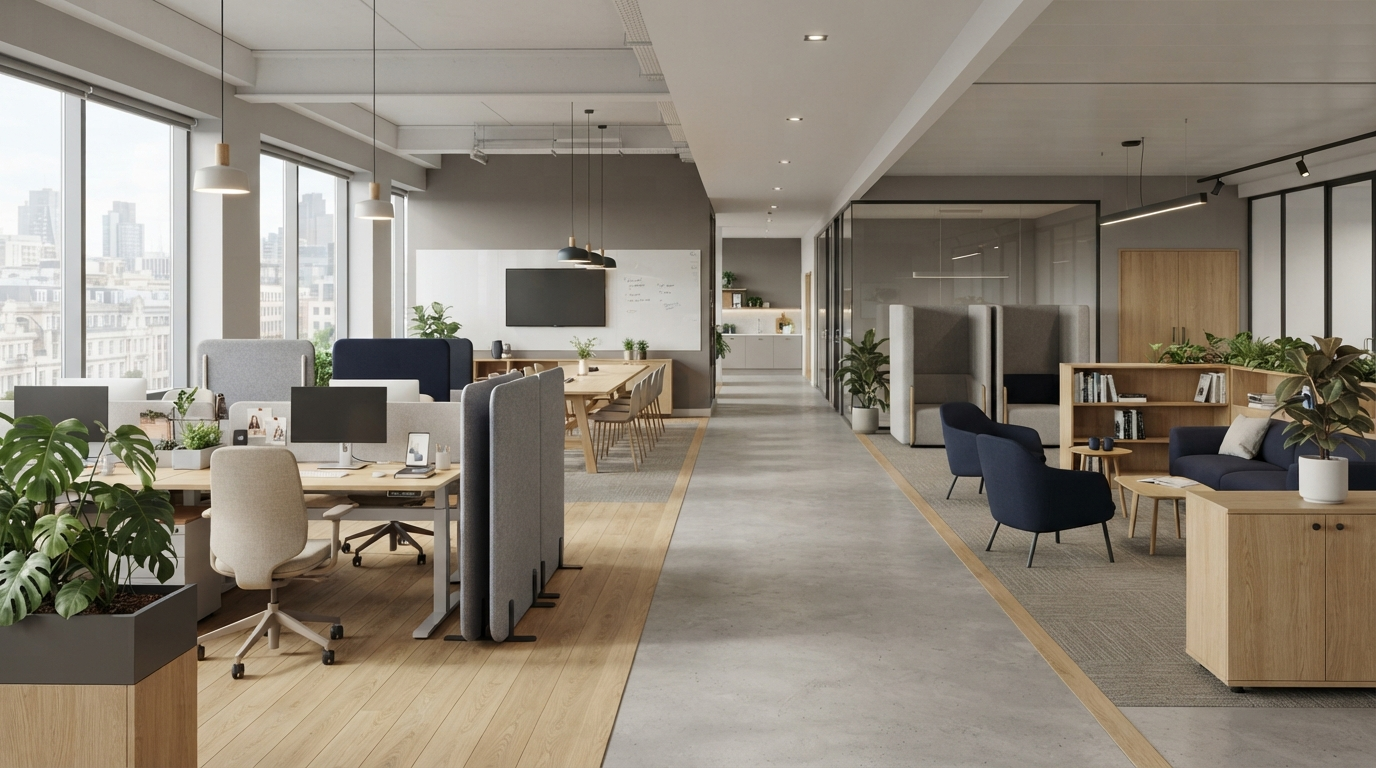
Good office design is not simply about making a workplace look modern.

The office must support the people using it, the work they perform and the direction of the business. It needs to provide comfortable workstations, useful meeting spaces, appropriate storage and room for the organisation to change.

A visually impressive office can still be noisy, cramped or difficult to use. Equally, a practical workplace does not need to feel plain or uninspiring.

The strongest office designs bring function and appearance together.
Begin With the Business

Office design should start with an understanding of the organisation rather than a furniture catalogue or colour scheme.

Consider how many people use the office, how frequently they attend and what they do throughout the working day. Some employees may require long periods of concentration, while others spend more time on calls or working with colleagues.

The workplace should also reflect realistic plans for growth. Designing only for today’s headcount can create problems quickly, but allowing for highly uncertain expansion can result in unnecessary space and cost.

A clear brief should explain what is not working and what needs to improve. The aim might be to accommodate more employees, reduce noise, improve collaboration or create a more professional experience for visitors.

Once the objectives are clear, the design decisions have something meaningful to support.

Assess the Existing Workplace

Before changing the office, review how it currently performs.

Look at which areas are consistently busy and which remain empty. Consider where conversations take place, where noise travels and whether employees can find suitable spaces for private or focused work.

Furniture and storage should be assessed too. Oversized desks may consume valuable floor area, while poorly positioned cupboards can interrupt circulation and block daylight.

Employee feedback can reveal problems that are not immediately visible. Staff may struggle with glare, temperature, privacy or equipment positioned away from the people who use it.

The assessment provides a baseline. Without one, a redesign may update the appearance of the office while preserving its underlying problems.

The Five Principles of Better Office Design

Furniture dimensions determine how a workplace functions.

A desk that is slightly wider or deeper can make a significant difference when repeated across an entire office. Armrests affect whether chairs can approach the work surface, while storage units change circulation and sightlines.

At Lomas Office Supplies, we believe effective office design can be understood through five principles:

Flow. Flexibility. Comfort. Collaboration. Identity.

These principles provide a practical way to assess design decisions without reducing the workplace to a list of products.

Flow

Flow describes how easily people, information and everyday activity move through the office.

Employees should be able to reach workstations, meeting rooms, storage and shared facilities without repeatedly crossing areas intended for focused work.

Teams that communicate frequently may benefit from being positioned near one another. Printers, supplies and shared equipment should be accessible without creating constant movement through quiet areas.

Good flow often feels effortless. Poor flow is experienced through interruptions, bottlenecks and unnecessary walking.

Flexibility

Businesses change, and the workplace should have a sensible response.

Modular desks, movable furniture and accessible power can make future changes easier. However, flexibility should remain practical. Furniture that can theoretically be reconfigured but is heavy or complicated offers little real benefit.

The design should support expected growth and changes in team structure without attempting to accommodate every imaginable scenario.

Comfort

Comfort is influenced by furniture, lighting, temperature, acoustics and workstation arrangement.

Task chairs should provide useful adjustment, while desks must suit the equipment and activities they support. Screens, keyboards and other regularly used items need to be positioned around the individual.

Comfort does not mean encouraging employees to remain in one position all day. A good workplace gives people opportunities to move and use different settings when appropriate.

Collaboration

Collaboration requires more than placing employees around a large table.

Quick conversations, confidential discussions, project sessions and formal meetings each need different environments. A balanced workplace might include small meeting rooms, project tables and informal areas alongside individual workstations.

Collaborative spaces must be positioned carefully. Creating more places for conversation should not make concentrated work difficult elsewhere.

Identity

The office should feel connected to the organisation.

Identity can be expressed through colour, materials, furniture and the experience created for employees and visitors. It does not require logos on every wall or heavily themed decoration.

The workplace should present the business appropriately while remaining credible as styles change.

The Complete Guide to Office Design

Office Space Planning

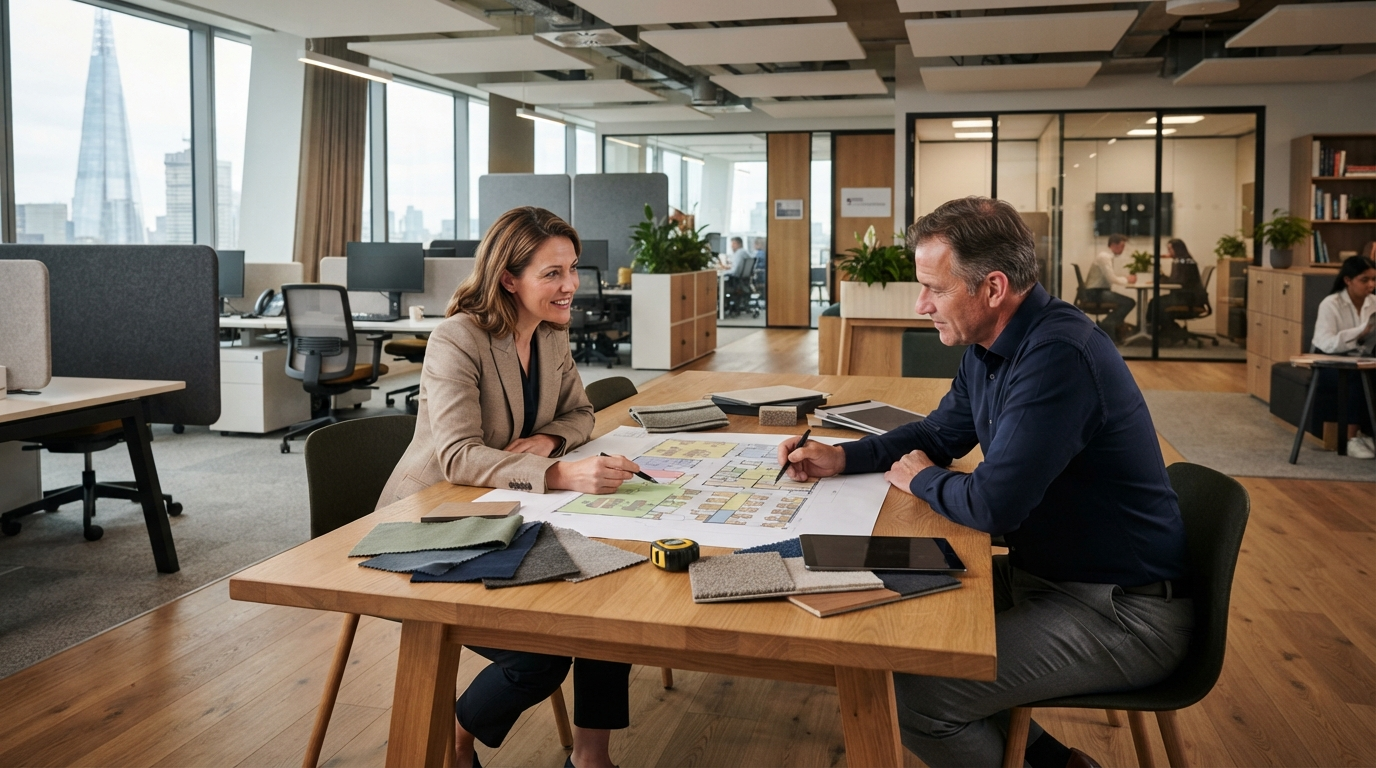
Space planning translates the brief into a practical layout.

It establishes where employees, teams, meeting rooms, storage and shared facilities should be positioned. It also considers circulation, power, data and the relationship between different activities.

The aim should not be to fit the maximum possible number of desks into the floor area. Employees need enough room to work and move comfortably.

Meeting rooms must be considered in use. A table may physically fit, but participants still need space to pull out chairs, move around and view screens.

Storage also affects the plan. Before adding more cupboards, the business should decide what genuinely needs to be retained.

A professional space plan allows layouts and furniture dimensions to be tested before products are ordered or physical work begins.

Workstations and Furniture

Furniture should be selected as part of the design rather than added after the layout is complete.

Desk size affects capacity and circulation. Chair armrests influence whether employees can approach the work surface. Screens and storage alter visibility, communication and sound.

The right workstation depends on the user, their equipment and how long they remain seated.

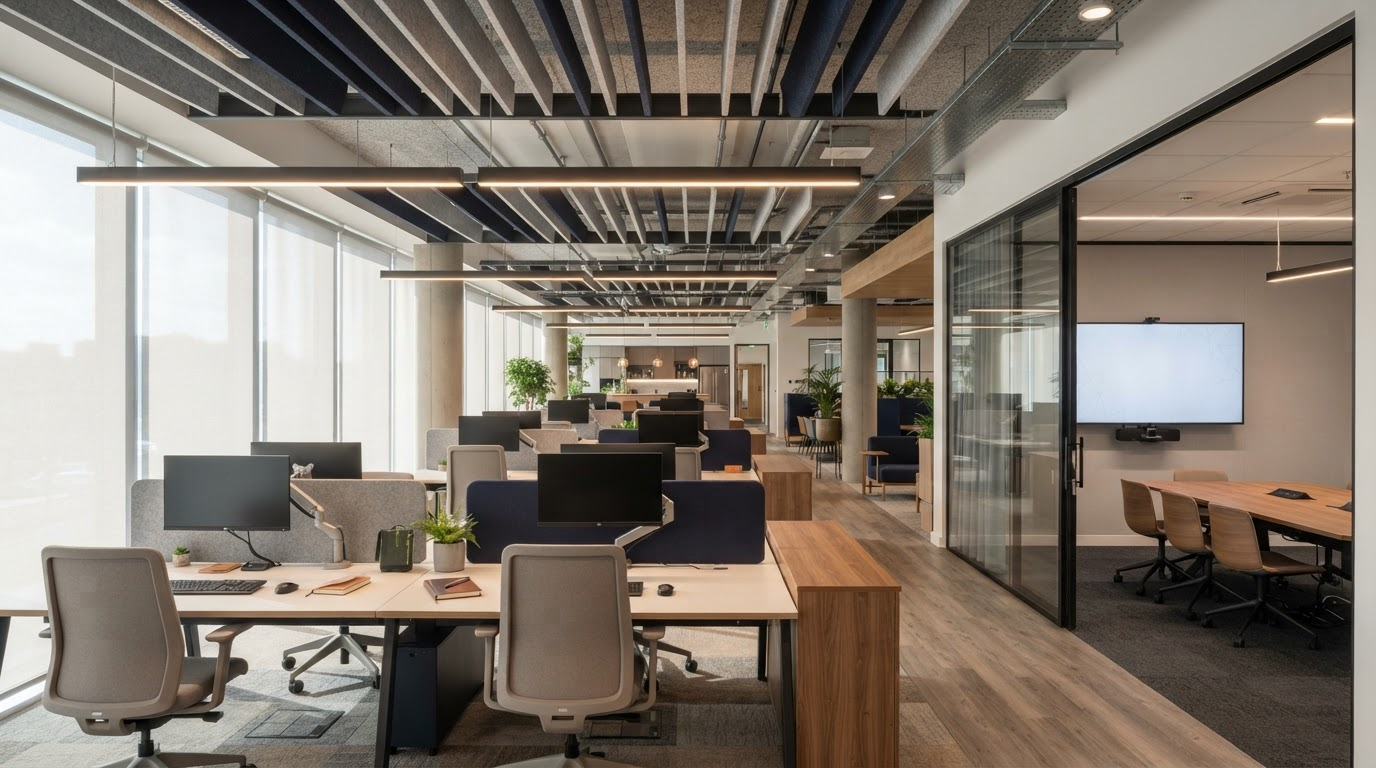
Bench desks can provide an efficient and consistent layout for teams. Freestanding desks may offer greater flexibility in smaller or irregular spaces. Height-adjustable desks can allow employees to alternate between sitting and standing when this functionality is genuinely required.

Existing furniture may be reused where it remains suitable and compatible with the proposed design. Retaining inappropriate products simply because they are already owned can compromise the entire project.

Meeting and Collaborative Spaces

Meeting rooms should reflect how the business actually works.

A large boardroom may be important for client presentations and management meetings, but it should not be the only place available for two-person conversations or video calls.

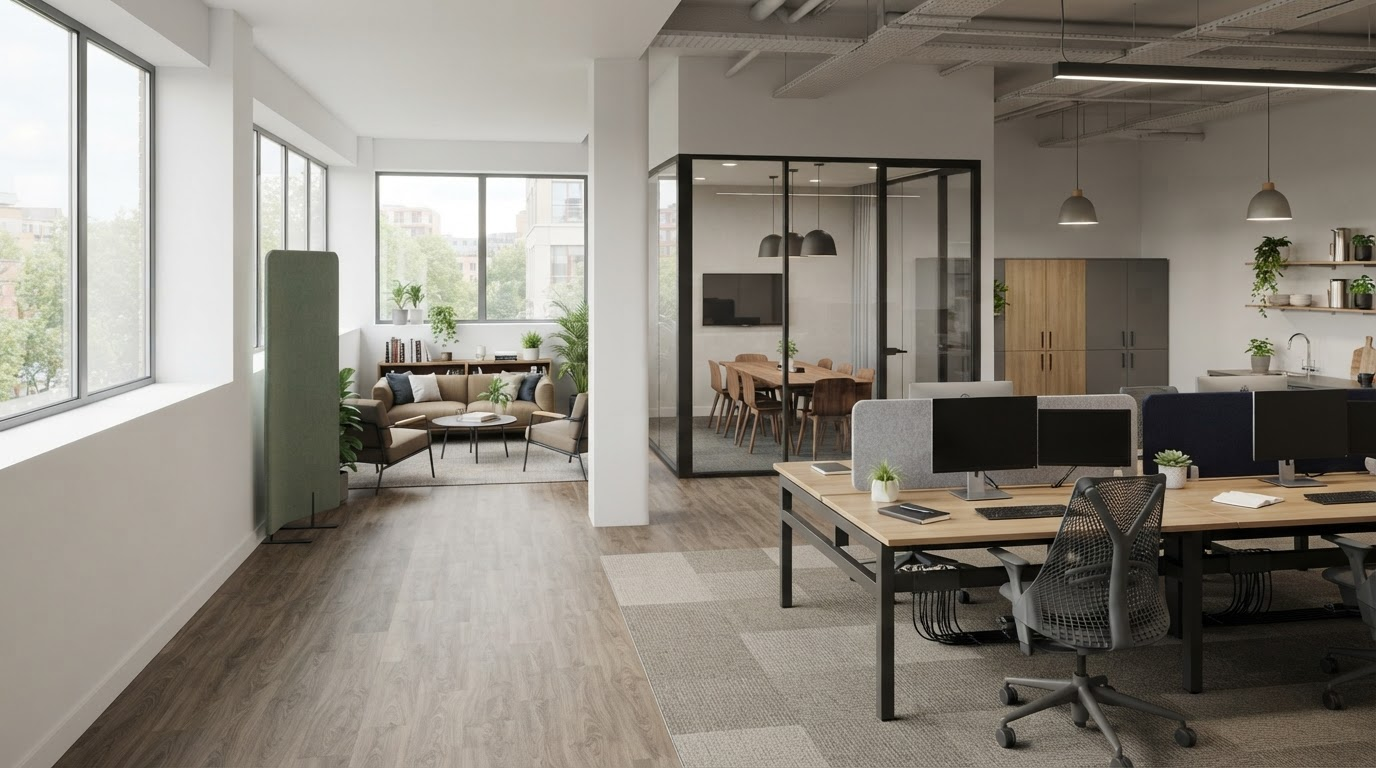
A range of smaller and larger settings can use space more effectively.

Furniture, technology and acoustics should be planned together. Participants need a clear view of screens and one another, while power and connectivity should be available without loose cables.

Informal areas can support shorter conversations and project work. They still need suitable seating, work surfaces and separation from surrounding workstations.

Each space should have a recognisable purpose.

The Complete Guide to Office Design

Acoustics and Privacy

Noise is one of the most common weaknesses in office design.

Open-plan spaces become difficult to use when calls, meetings and focused work all happen in the same area.

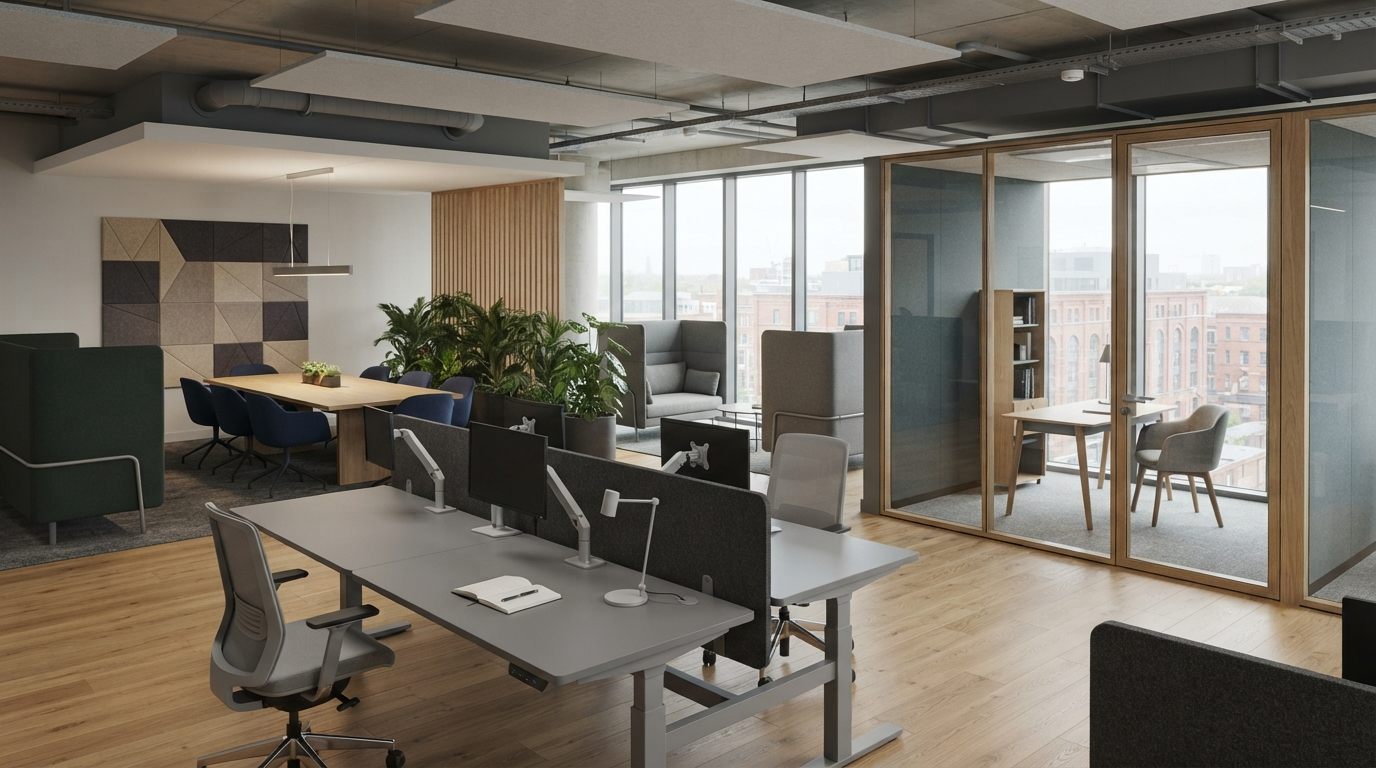
The first response should be to separate incompatible activities where possible. Acoustic screens, wall panels, ceiling products and upholstered furniture can then support the layout.

Enclosed rooms require attention too. Poor sound insulation may allow supposedly private conversations to be heard outside.

Privacy is also visual. Workstation orientation, screen positions and circulation routes affect whether sensitive information can be seen by colleagues or visitors.

Acoustic furniture can reduce distraction, but it should not be treated as a substitute for appropriate planning.

Lighting

Lighting should be coordinated with the layout.

Moving desks without reviewing existing lighting can create glare, shadows or workstations positioned directly beneath unsuitable fittings.

Natural light should be used intelligently, although every workplace still needs appropriate artificial lighting.

Workstations, meeting rooms, reception areas and breakout spaces may require different approaches. Presentation screens and video calls create additional considerations.

Electrical and lighting work should be planned and completed by appropriately qualified professionals.

Storage and Organisation

Effective storage makes the office easier to use.

Personal lockers can support hybrid workplaces, while shared departmental storage may work better than individual pedestals where employees use common documents or supplies.

Tall units provide greater capacity but may block daylight or create enclosed routes. Lower storage can help define zones while preserving visibility.

The design should make necessary items easy to access without allowing storage to dominate the workplace.

Good organisation begins by deciding what needs to be kept. Purchasing furniture to store outdated documents or unused equipment wastes both money and floor area.

Reception and First Impressions

Reception is often the first part of the business experienced by visitors.

It should feel welcoming while supporting the employee responsible for receiving people. This may require an appropriate work surface, technology, storage and visual privacy.

A large reception desk is not always necessary. A smaller reception point and comfortable visitor seating may provide a better use of the available space.

The entrance should connect visually with the wider workplace and establish the right expectation of the organisation.

The Complete Guide to Office Design

Meeting Tables and Chairs

Meeting furniture should be selected according to the room’s normal use.

A table should accommodate the typical number of participants rather than the largest group that might meet once a year. Oversized tables consume valuable space and can make smaller meetings feel unnecessarily formal.

Participants need enough room to sit, move and view screens comfortably. Table legs, bases and integrated power modules should not restrict the seating positions.

Meeting chairs should reflect how long people normally remain seated. A simple conference chair may be suitable for short discussions, while longer meetings require greater support.

Stacking or folding furniture can make a room more flexible, but it must be easy to store and reconfigure. Furniture that is theoretically movable but rarely changed provides little practical benefit.

Technology, lighting and acoustics should be coordinated with the furniture from the beginning.

Designing for Hybrid Work

Hybrid working should be planned around actual attendance patterns rather than average occupancy.

If most employees attend on the same days, reducing the desk count too far will create pressure even when the office appears underused at other times.

Shared workstations need adjustable chairs, accessible power and practical personal storage.

Meeting spaces must allow remote and in-person participants to contribute effectively. Camera position, lighting, acoustics and furniture layout all affect the experience.

Hybrid design is not simply about removing desks. It is about matching the workplace to how people now use it.

Reception Furniture

Reception furniture influences a visitor’s first impression of the business.

The area may require a reception desk, visitor seating, occasional tables and practical storage. The correct combination depends on how visitors arrive and how long they normally wait.

A large desk is not always necessary. A compact reception point may provide a more welcoming experience and release space for comfortable seating.

The person using the desk needs appropriate work surfaces, storage and access to technology. Visitor information and computer screens may require visual privacy.

Reception furniture should connect with the wider workplace rather than appearing as a separate showroom.

A modest area can still feel professional when it is carefully planned and uncluttered.

Common Office-Design Mistakes

One of the most common mistakes is beginning with appearance instead of function.

Another is designing around the maximum number of workstations without allowing enough room for meetings, storage and circulation.

Businesses may also copy fashionable office features without establishing whether their employees need them. A large breakout area provides little value if the business actually lacks private rooms and focused workspace.

Technology, power and acoustics are frequently considered too late, resulting in visible cables and additional work after furniture has been installed.

Finally, the design may address current frustrations without considering future change.

A clear brief and coordinated space plan help prevent these problems before they become expensive.

The Complete Guide to Office Design

Turning the Design Into a Workplace

A design only becomes successful when it can be delivered practically.

Furniture, lighting, power, technology and building work need to be coordinated in the correct sequence. Product lead times, access and installation requirements should be understood before the programme is agreed.

Employees also need to understand how the new workplace should be used. Adjustable chairs, hybrid meeting technology and flexible spaces provide little value if nobody knows how they operate.

The completed office should be reviewed after employees have used it for a reasonable period. Furniture may need adjusting, storage responsibilities clarifying or certain areas repositioning.

Small changes after occupation can help the design perform as intended.

Office Design in Blackburn and Lancashire

At Lomas Office Furniture & Stationery, we help businesses across Blackburn and Lancashire create practical workplaces around their people, available space and future plans.

We can review your existing office, develop a space plan and recommend furniture suited to the different activities within your organisation.

Our service can include office design, workplace consultation, space planning, furniture selection, delivery and professional installation.

Whether you are improving an existing office, planning a refurbishment or moving into new premises, we begin by understanding what the workplace needs to achieve.

Speak to Lomas to discuss your office-design requirements.

Frequently Asked Questions

What does office design include?

Office design can include workplace assessment, space planning, furniture, storage, meeting rooms, reception, lighting, acoustics, power, technology and finishes. The exact scope depends on the business and the building.

When should office furniture be selected?

Furniture should be considered during space planning because its dimensions affect capacity, circulation and services. Final products should not be ordered until the layout and requirements have been confirmed.

Can office design create more space?

Design cannot increase the building’s physical size, but a better layout and appropriately sized furniture may release floor area that is currently being used inefficiently.

Does every office need collaborative space?

Most workplaces benefit from somewhere employees can hold conversations away from individual desks. The type and amount of collaborative space should reflect how the organisation actually works.

How should an office support hybrid working?

The design should consider peak attendance, shared workstations, personal storage and facilities for hybrid meetings. Decisions should be based on real working patterns rather than assumptions.

Can we reuse existing office furniture?

Yes, provided it remains suitable, safe and compatible with the new layout. Existing products should be measured and assessed during planning.

What should happen before an office-design project begins?

Start by defining what is not working and what the business needs the workplace to achieve. A workplace assessment and space plan can then test the available options.

We are using cookies to give you the best experience. You can find out more about which cookies we are using or switch them off in privacy settings.
AcceptPrivacy Settings

GDPR